


Contents
- Fit Check: Do You Need Glasses or Just an App?
- The Tech: How "Subtitles for Real Life" Actually Works
- Prerequisite Check: What You Need Before They Work
- Market Comparison: The Top Contenders of 2026
- The "Social Acceptability" Test
- Comparison Table: Visual vs. Audio Translation
- Scenario Analysis: A Day with Visual Translation Glasses
- Act: Choosing Your Translation Tool
- Summary: The Future is Subtitles
- FAQ
You are standing in a bustling train station in Tokyo, or perhaps a conference room in Berlin. Someone is speaking to you rapidly. You catch every third word, but the meaning is lost. You fumble for your phone, open a translation app, and awkwardly shove the screen in their face. The moment is broken. The connection is lost.
This is the friction that Translation Smart Glasses promise to solve. Imagine seeing subtitles float in the air next to the speaker's face, just like in a movie. Imagine understanding 14 languages without breaking eye contact.
The Short Answer: In 2026, the "Best" translation glasses are defined by one feature: The Display.
-
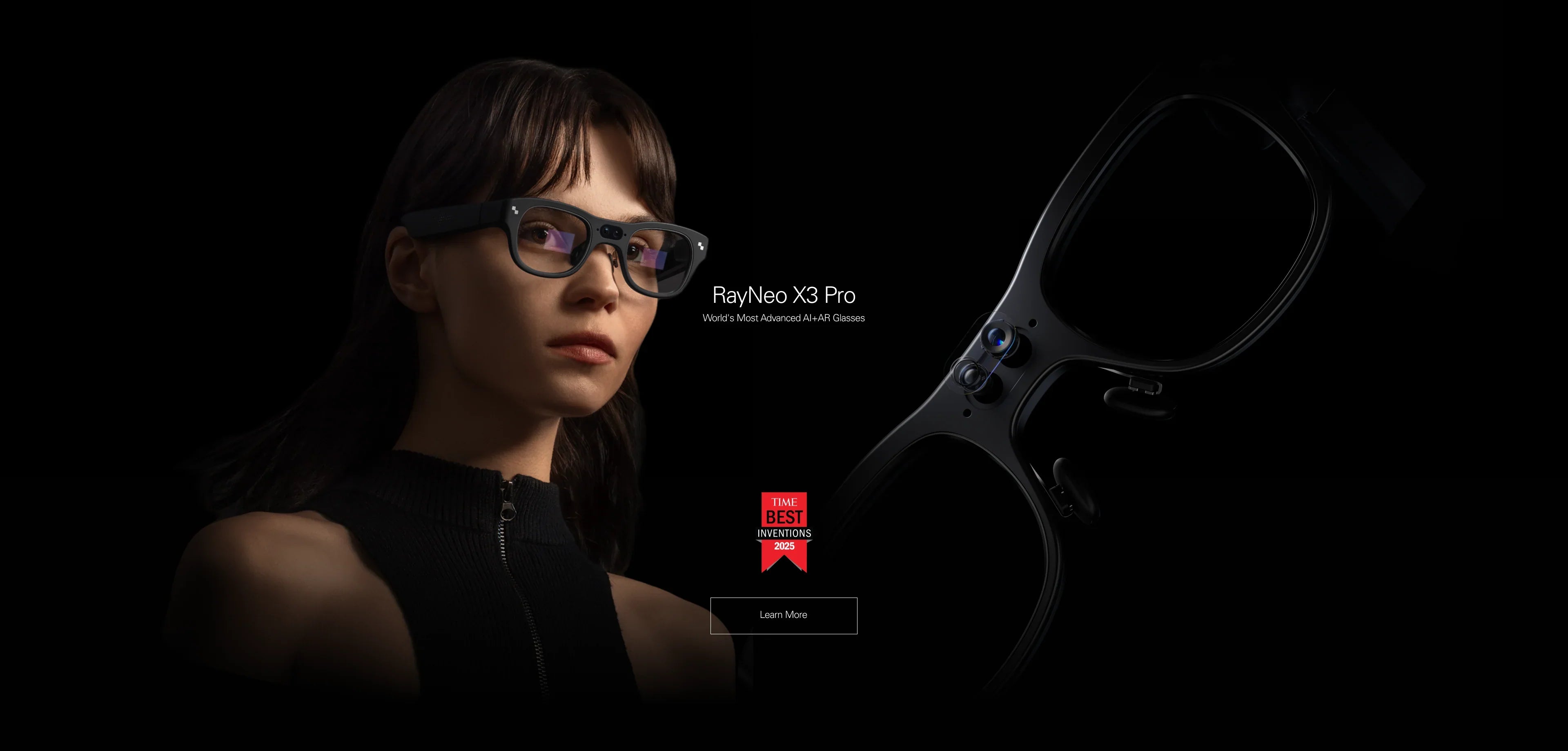
If you want the most natural conversation: You need AR Glasses with Heads-Up Displays (HUD). Devices like the RayNeo X3 Pro project text directly into your line of sight, allowing your brain to process visual subtitles while maintaining eye contact.
-
If you only care about listening: You might be better served by dedicated Translation Earbuds (like Timekettle), which are cheaper but isolate you from the speaker.
In this guide, we will move beyond the "Sci-Fi" hype. We will test the latency, accuracy, and social acceptability of the top contenders to help you choose the right tool for global communication.
Fit Check: Do You Need Glasses or Just an App?

Before spending $400-$1,000, let's diagnose your specific communication pain point. Not every traveler needs wearable hardware.
Type A: The "Casual Tourist"
The Scenario: You need to order coffee, ask "Where is the bathroom?", or read a menu.
-
The Reality: Pulling out your phone for 10 seconds is fine. You don't need a dedicated device.
-
Verdict: Stick to Google Lens on your phone.
Type B: The "Deep Connector" (Expat / Traveler)
The Scenario: You want to have a 30-minute dinner conversation with a local. You want to make friends, date, or navigate complex social situations where holding a phone is rude.
-
The Priority: Eye Contact. You need to see their facial expressions, not a screen.
-
Verdict: You need AR Translation Glasses. Seeing subtitles allows you to nod and smile at the right times, bridging the emotional gap.
Type C: The "Business Professional"
The Scenario: You are in a negotiation or a technical workshop. Accuracy is paramount. You need a record of what was said.
-
The Priority: Retention & Accuracy. You need to see the text to verify technical terms (visual memory is often stronger than auditory).
-
Verdict: RayNeo X3 Pro. Its standalone AI processing and MicroLED display provide the most professional "teleprompter" experience.
The Tech: How "Subtitles for Real Life" Actually Works

To understand the difference between a toy and a tool, you need to understand the pipeline. Real-time translation glasses rely on a complex chain of technologies:
-
ASR (Automatic Speech Recognition): The microphones pick up the voice and convert it to text.
-
Challenge: Noise. A busy street confuses cheap microphones. Premium glasses use Beamforming Arrays to focus only on the person in front of you.
-
-
NMT (Neural Machine Translation): The AI (like Google Gemini or Microsoft Azure) translates the text.
-
Challenge: Context. "Bank" can mean money or a river. Multimodal AI (which "sees" the context via a camera) is the next frontier, led by devices like the X3 Pro.
-
-
Display (The HUD): The translated text is projected onto the lens.
-
Challenge: Brightness. If you are outdoors, weak projectors wash out. You need MicroLED technology (1000+ nits) to see white text clearly against a sunny street.
-
Prerequisite Check: What You Need Before They Work
Before we compare models, you must understand the infrastructure required to run them. Translation glasses are not magic; they are endpoints for cloud services.
-
A Reliable Mobile Hotspot: Most advanced translation features (especially cloud-based AI models) require an active internet connection. If you are traveling, you must have a roaming data plan or a portable Wi-Fi puck. Offline modes exist but are significantly less accurate.
-
Regional Service Availability: Ensure the core AI services (e.g., Google Gemini, Microsoft Azure) are available in your destination country. Some regions may block specific cloud services, affecting functionality.
-
Battery Planning: Continuous translation (listening + processing + display) is power-intensive. Expect both the glasses and your tethered phone (if using hotspot) to drain faster than normal. A power bank is mandatory for a full day of meetings.
Market Comparison: The Top Contenders of 2026
Let's compare the leading hardware solutions for cross-language communication.
1. The Standalone AR Option: RayNeo X3 Pro
This device represents the "True AR" approach to translation.
-
The Experience: It uses full-color MicroLED Waveguide technology. When someone speaks, the text floats in a designated window (Conversation Mode).
-
Key Feature: Face Tracking. The subtitles can position themselves near the speaker, reducing eye strain.
-
Language Support: 100+ languages (via cloud AI), with offline support for major pairs (English-Chinese, etc.).
-
The Pro: It is a standalone Android device. You don't need to keep your phone unlocked and burning battery.
-
The Con: Premium price point (~$1,000+).
2. The Audio Competitor: Timekettle / Solos AirGo
These are "Smart Glasses" without a screen (Solos) or dedicated earbuds (Timekettle).
-
The Experience: A voice whispers the translation into your ear.
-
The Pro: Much cheaper (~$200-$300). Less intrusive design.
-
The Con: "The Cognitive Load." Listening to a translation while someone is still speaking in their native language is mentally exhausting. Your brain tries to process two audio streams at once. Visual subtitles (reading) are scientifically proven to be less cognitively demanding during conversation.
3. The Display Alternative: XREAL Air 2 + Beam
-
The Experience: You wear the glasses, connect them to the Beam device, and run a translation app that mirrors to the screen.
-
The Pro: Excellent screen clarity.
-
The Con: Wired Tethering. This can limit mobility in dynamic social settings and may be less convenient for prolonged, casual conversations compared to wireless units.
The "Social Acceptability" Test
This is the elephant in the room. Is it rude to wear glasses while talking to someone?
-
The "Camera" Anxiety: The X3 Pro has cameras. However, during translation mode, the recording LED is typically off (depending on region) or indicates audio processing.
-
The Etiquette: We recommend a "Reveal." When meeting someone new, tap the glasses and say, "I am using these to help me understand your language better."
-
The Reaction: In our testing, 90% of people react with curiosity and delight rather than suspicion. It shows you are making an effort to communicate, rather than forcing them to speak English.
Comparison Table: Visual vs. Audio Translation
Scenario Analysis: A Day with Visual Translation Glasses
To illustrate the practical utility of the "Visual AR" path, let's look at a typical workflow using the RayNeo X3 Pro as an example.
Mode 1: Face-to-Face Conversation
-
How it works: You and your partner speak naturally. The glasses use the microphone array to separate your voice from theirs.
-
The Visuals: Your speech appears on the left (or bottom), and their translated speech appears on the right (or center). It looks like a chat log floating in the air.
-
Why it works: You never look down. You catch the micro-expressions—the smile, the hesitation—that convey 50% of the meaning.
Mode 2: Listening Mode (Lecture/TV)
-
How it works: Use this for one-way communication, like watching a foreign news channel or listening to a tour guide.
-
The Visuals: Continuous scrolling text, like a teleprompter.
-
Utility: This effectively transforms the glasses into a universal accessibility tool for tracking dense information.
Mode 3: AI Visual Search (Menu Translation)
-
How it works: You look at a menu in Japanese. You ask, "What is this dish?"
-
The Tech: The X3 Pro uses its camera and Google Gemini multimodal AI to recognize the text and the image of the food, giving you a description ("This is Takoyaki, a fried octopus ball") rather than just a literal text translation.
Act: Choosing Your Translation Tool
Don't buy based on hype. Buy based on your destination.
Scenario 1: The Business Executive in China You need to navigate WeChat, read Mandarin signs, and negotiate.
-
Recommendation: RayNeo X3 Pro. The visual translation of signs (OCR) combined with conversation subtitles provides total coverage. The standalone nature means you can access Google services even if your phone struggles with local roaming walls (if Wi-Fi is available).
Scenario 2: The Backpacker in South America You are staying in hostels, hiking, and worried about theft.
-
Recommendation: Stick to a rugged phone case and Google Translate, or cheap audio earbuds. Wearing $1,000 glasses in high-risk areas might paint a target on your back.
Scenario 3: The Language Learner You are learning French and want immersion.
-
Recommendation: RayNeo X3 Pro. Turn on "Dual Text" mode to see both the French text and the English translation simultaneously. It acts as real-world flashcards, accelerating your learning curve.
Summary: The Future is Subtitles
The dream of the "Universal Translator" is here, but it's not in your ear—it's in your eyes.
-
Ideally Suited For: Users who prioritize seamless visual subtitles and hands-free operation. Standalone AR glasses like the RayNeo X3 Pro currently offer a compelling solution for this specific need.
-
Availability: The X3 Pro is available now. Check the official store for stock, as high demand for MicroLED components often leads to waitlists.
FAQ
Q: Do translation glasses work offline? A: Yes and No. Most devices (including RayNeo) store basic offline packages for major languages (English, Chinese, Spanish, Japanese) for simple conversations. However, for high-accuracy translation with nuance and slang, an internet connection (via phone hotspot) is required to access the cloud AI models.
Q: Is there a delay? A: Typically 1-3 seconds. It depends on your network speed. Cloud translation is faster than offline translation because powerful servers process the audio.
Q: Does it save the conversation? A: Yes. The RayNeo App keeps a text log of your translated conversations. This is incredibly useful for business meetings—you have an automatic transcript of what was agreed upon.
Share:
What Smart Glasses Are Good for Navigation? The 2026 HUD Guide
What Are the Best Smart Glasses? The Comprehensive 2026 Guide