


Contents
- 1. The Landscape: Three Philosophies of Sound
- 2. Fit Check: Which Audio Profile Matches You?
- 3. Step-by-Step Setup: Optimizing Your Audio
- 4. Market Comparison: Who Sounds Better?
- 5. Deep Dive: The Science of "Whisper Mode"
- 6. Realistic Limitations & Transparency
- 7. FAQ: Expert Audio Advice
- 8. Next Steps: Choose Your Sound
If you are searching for "smart glasses best for audio," you are likely tired of having earbuds jammed into your canals all day. You want the freedom of "Open-Ear" listening—sound that floats around you while keeping you connected to the world.
But "Audio" means different things to different people. Do you want deep bass for music, private clarity for calls, or booming stereo for movies? In 2026, the market has specialized.
Here is the definitive verdict based on your listening style:
-
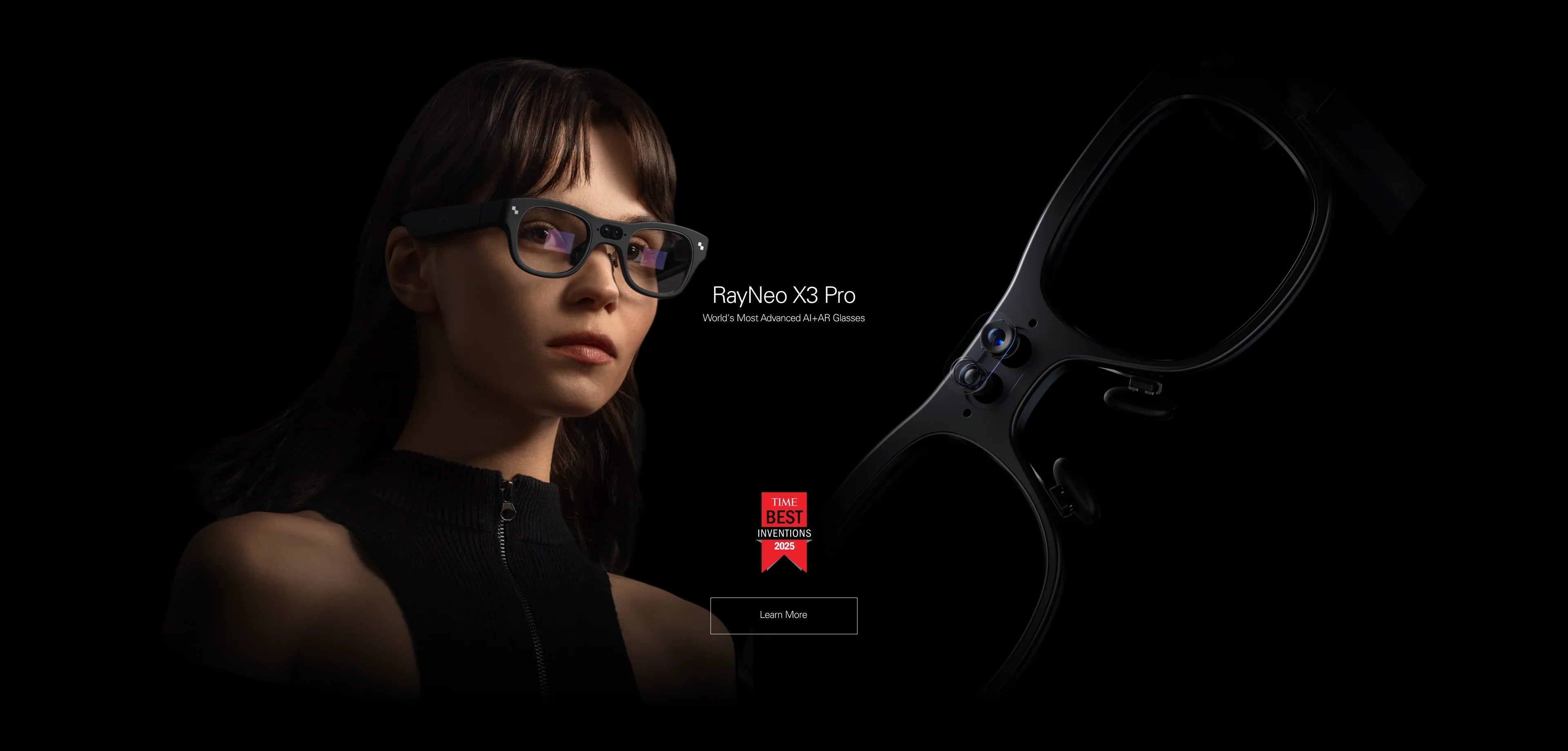
Best for Calls & AI Assistance (The "Pro" Choice): RayNeo X3 Pro.
Features Whisper Mode technology. It uses phase-cancellation to beam sound directly into your ear, preventing people nearby from overhearing your calls. Plus, it visualizes audio (captions), which no audio-only glass can do. -
Best for Music & Social (The "Vibe" Choice): Meta Ray-Ban.
Excellent for casual Spotify listening and taking calls on the go. It lacks a display but offers a lightweight form factor. -
Best for Movies & Gaming (The "Cinema" Choice): RayNeo Air 3s Pro.
Engineered for immersion. The speakers are positioned to create a wide stereo soundstage, mimicking a home theater setup.
This comprehensive guide (approx. 20-minute read) will explain the physics of open-ear audio, help you solve the "Sound Leakage" problem, and choose the right device for your ears.
1. The Landscape: Three Philosophies of Sound

Before you buy, you must understand that smart glasses speakers are not headphones. They don't seal your ear. They use Directional Audio.
Type A: Communication Audio (RayNeo X3 Pro)
The Goal: Clarity and Privacy.
-
Technology: These glasses use "dipole speakers" that project sound toward your ear canal while cancelling out sound waves traveling outward.
-
The Experience: It feels like a voice is inside your head. It is optimized for human speech frequencies (podcasts, phone calls, AI responses).
-
The "Visual" Bonus: Unlike standard audio glasses, the X3 Pro adds a visual layer. If you are on a noisy train and can't hear the call clearly, you can read the real-time captions on the display.
Type B: Lifestyle Audio (Meta Ray-Ban / Bose)
The Goal: Bass and Volume.
-
Technology: Larger drivers tuned for music. They push more air to simulate bass (though physics limits this compared to in-ear buds).
-
The Experience: Like having a personal soundtrack walking down the street. Great for background music, but often suffers from significant sound leakage at high volumes.
Type C: Cinematic Audio (RayNeo Air 3s Pro)
The Goal: Spatial Immersion.
-
Technology: Stereo separation. Because the glasses are wired (high bandwidth), they can deliver uncompressed audio with zero latency.
-
The Experience: Designed to match the 201-inch virtual screen. The sound is wide and expansive, making explosions in movies or footsteps in games feel spatially accurate.
2. Fit Check: Which Audio Profile Matches You?
Let's diagnose your needs. Audio glasses are not a "one size fits all" solution.
Scenario 1: The Office Worker (Zoom/Teams)
-
The Problem: Ear fatigue from wearing AirPods for 6 hours a day.
-
The Fix: RayNeo X3 Pro. The open-ear design lets your ears breathe. The Whisper Mode 2.0 algorithm ensures that your colleague sitting next to you doesn't hear your boss shouting.
Pro Tip: The X3 Pro also has a "Mute" touch gesture on the temple, making it the ultimate meeting tool.
Scenario 2: The Commuter (Subway/Bus)

-
The Problem: It's loud. Open-ear audio struggles to compete with screeching train wheels.
-
The Reality Check: No smart glass beats noise-canceling headphones (ANC) in a subway.
-
The Solution: RayNeo X3 Pro (Visual Backup). When the audio gets drowned out by the train, you rely on the Live Transcribe feature on the display to read what is being said on your podcast or call. It's the only audio device that works when you can't hear.
Scenario 3: The Gamer (Steam Deck / Switch)
-
The Problem: Bluetooth lag. If you use Bluetooth audio glasses for gaming, the "bang" happens 200ms after the trigger pull.
-
The Fix: RayNeo Air 3s Pro. Because it connects via USB-C, the audio is wired and lossless. There is zero latency. The stereo separation lets you hear enemies approaching from the left or right accurately.
3. Step-by-Step Setup: Optimizing Your Audio
Getting good sound out of glasses requires proper placement and settings. Here is how to tune your RayNeo X3 Pro.
Step 1: Physical Fitment (Crucial for Bass)
Directional speakers behave like light beams. If they aren't pointed at your ear canal, you lose all the bass.
-
Put on the glasses.
-
Play a track with bass (e.g., "Hotel California").
-
Adjust the temple tips (bendable on some models) or the nose pads to tilt the glasses. Find the "Sweet Spot" where the sound suddenly becomes fuller.
Step 2: Configuring "Whisper Mode"
To protect your privacy:
-
Open the RayNeo App.
-
Go to Audio Settings -> Enable "Privacy / Whisper Mode".
-
This changes the EQ curve to cut low frequencies that travel far, focusing on mid-range vocal clarity. Use this for phone calls in elevators or offices. Disable it for music.
Step 3: Volume Safety
Open-ear audio can trick you. Because you hear background noise, you might crank the volume to 100%.
-
Warning: Listening at 100% volume for hours can still damage hearing, even if it doesn't feel "loud" like earbuds.
-
Setting: Enable "Volume Limiter" in your phone settings to cap output at 80%.
4. Market Comparison: Who Sounds Better?
Here is an honest breakdown of the audio performance across the top 2026 contenders.
5. Deep Dive: The Science of "Whisper Mode"
Why do we recommend the X3 Pro for professionals? It solves the biggest embarrassment of smart glasses: Sound Leakage.
The Physics of Leakage
Normal speakers push air. In open-ear glasses, that air travels to your ear, but also to the person sitting next to you.
The Fix: The X3 Pro uses Phase Cancellation. It emits an "inverted" sound wave outward. Just like noise-canceling headphones kill noise, the X3 Pro "kills" its own sound leakage before it reaches your neighbor. You hear the audio; they hear silence (or a very faint whisper).
The "Visual Audio" Synergy
This is the X3 Pro's secret weapon. Audio is imperfect. Accents, noise, and mumbling happen.
The X3 Pro uses its onboard AI to listen to the audio stream and generate Live Captions on the HUD. It's like having subtitles for real life. This "Audio + Visual" combo makes it the best device for understanding content, not just hearing it.
6. Realistic Limitations & Transparency
We want you to love your device, which means knowing what it cannot do.
No "Sub-Bass"
The Reality: Without a seal in your ear canal, you cannot physically reproduce sub-bass frequencies (20Hz-60Hz). No smart glass will ever sound like an in-ear monitor or a club system.
The Expectation: Expect sound quality similar to a very good small Bluetooth speaker sitting on your shoulder.
Wind Noise
The Reality: If you are cycling or it is a windy day, wind rushes over your ears. This can drown out the audio since there is no passive isolation.
The Fix: The X3 Pro helps by providing visual navigation arrows, so even if you miss the audio cue "Turn Left," you still see the arrow.
Battery Drain on Calls
The Reality: Two-way audio (Microphone + Speaker) consumes power heavily.
The Data: Expect 3-4 hours of continuous talk time on the X3 Pro. For music playback (listening only), you can get 5-6 hours.
7. FAQ: Expert Audio Advice
Q: Can I use these with hearing aids?
A: Yes. Because the speakers sit above the ear, they do not interfere with in-ear hearing aids. In fact, the X3 Pro's "Live Caption" feature is a massive accessibility tool for the hard of hearing, providing a visual backup to audio.
Q: Which is better for Zoom calls on laptop?
A: The RayNeo Air 3s Pro connected via USB-C is often more reliable for long Zoom calls because it is wired (no battery anxiety, no Bluetooth pairing issues). You see the Zoom participants on a huge screen, and hear them through the temple speakers.
Q: Can I pair headphones to the glasses?
A: With the RayNeo X3 Pro, yes. You can pair Bluetooth earbuds to the glasses if you want total isolation and bass for music, while still using the visual HUD for navigation.
8. Next Steps: Choose Your Sound
Ready to unblock your ears? Choose the device that fits your listening habit.
Action 1: For the "Communicator" (Calls + Captions)
If you want privacy, clarity, and the ability to read what you hear:
→ Shop RayNeo X3 Pro (Best Pro Audio)
Action 2: For the "Viewer" (Movies + Games)
If you want immersive stereo sound matched with a giant screen:
→ Shop RayNeo Air 3s Pro (Best Cinema Audio)
Action 3: Check Compatibility
Ensure your phone is ready for the connection.
Share:
What Smart Glasses Are Good for Navigation? The 2026 HUD Guide
What Are the Best Smart Glasses? The Comprehensive 2026 Guide