


Contents
- Phase 1: Define Your "Primary Verb"
- Phase 2: Understanding the Compromises (The "Anti-Sell")
- Phase 3: The Evaluation Checklist
- Phase 4: Market Examples & Where to Look
- Act: Your Decision Matrix
- Summary
- FAQ

If you have spent the last hour switching between tabs for "AR glasses," "AR glasses," and "Smart Audio glasses," feeling increasingly frustrated, you are not alone. The wearable tech market in 2026 is a semantic mess.
You see devices that look identical but perform opposite functions. You see "AR" used to describe simple screens and complex computers alike. It is like trying to choose between a bicycle, a motorcycle, and a stationary bike—they all have two wheels and a seat, but if you buy the wrong one for your commute, you will be miserable.
The Objective of This Guide: We will not tell you what to buy. Instead, we will provide a Decision Framework. We will strip away the marketing acronyms and categorize the market by "Primary Utility" (what the device actually does). By the end, you will know which category fits your lifestyle, and which specific trade-offs you are willing to accept.
Phase 1: Define Your "Primary Verb"
Stop looking at specs like "FOV" or "Nits" for a moment. Ask yourself one question: What is the primary action you want to perform?
The market has split into three distinct, non-overlapping categories:
-
Category A: "WATCH" (Content Consumption)
-
The Promise: A massive private TV in your pocket.
-
The Reality: You are wearing a monitor. It blocks your vision. It usually requires a cable.
-
Best For: Gamers (Steam Deck/Switch), Travelers (Planes/Trains).
-
-
Category B: "DO" (Information Assistance)
-
The Promise: Ideally, "Iron Man." Practically, a heads-up display for navigation, translation, and notifications.
-
The Reality: You see the real world. Digital text floats in it. It requires battery management.
-
Best For: Travelers, Technicians, Developers, "Power Users."
-
-
Category C: "LISTEN/CAPTURE" (Audio & Social)
-
The Promise: Invisible tech.
-
The Reality: No screen at all. It is a camera + headphones.
-
Best For: Minimalists, Content Creators, Commuters.
-
Phase 2: Understanding the Compromises (The "Anti-Sell")

Before you fall in love with a category, you must accept its inherent flaws. There is no perfect device in 2026.
The Compromises of "WATCH" Glasses (e.g., RayNeo Air Series, XREAL)
-
The Tether: Most of these devices have no battery or OS. They must be plugged into your phone or console via USB-C. The cable can snag and break immersion.
-
The "Blindfold": To make the screen look good, the lenses are tinted dark. You cannot safely walk around a city wearing them. They are for stationary use.
-
The Compatibility Wall: If your phone does not support "DP Alt Mode" (video out), the glasses are useless without expensive adapters.
The Compromises of "DO" Glasses (e.g., RayNeo X3 Pro)
-
The Physics: To put a computer, battery, and projector on your face, the frames must be thicker than standard glasses.
-
The Battery Life: Driving a transparent display and AI processor consumes energy. Expect 3-4 hours of active heavy use. You will become dependent on a charging case.
-
The Learning Curve: These run an OS (often Android). You have to manage Wi-Fi, apps, and settings. It is not plug-and-play.
The Compromises of "LISTEN" Glasses (e.g., Meta Ray-Ban)
-
The "Phantom Limb": You will hear a notification but cannot see it. You still have to pull out your phone to read the text or see the map.
-
The Privacy Concern: Cameras on your face can make others uncomfortable in social settings.
Phase 3: The Evaluation Checklist
Now that you know the categories and the flaws, use this checklist to filter the market options.
Checklist for the "WATCH" Path (Display Glasses)
If you decided you want a portable cinema:
-
Check Your Source: Does your primary device (Phone/Console) output video via USB-C?
-
iPhone 15/16: Yes.
-
Nintendo Switch: No (Requires a dock/adapter like the JoyDock).
-
Pixel: Varies by model/update.
-
-
Check Your Eyes: Do you have astigmatism?
-
If Yes: You need a model that supports Magnetic Inserts (like the Air 2s or Air 4 Pro).
-
If No (Mild Myopia): You can save money with models featuring Built-in Diopter Dials.
-
-
Check Your Environment: Do you need noise isolation?
-
If Yes: Open-ear speakers leak sound. You might need to pair Bluetooth earbuds with the glasses.
-
Checklist for the "DO" Path (Standalone AR)
If you decided you want an AI assistant:
-
Check Your Connectivity: AI features (Translation, Visual Search) require the internet. Are you willing to keep a Mobile Hotspot active on your phone all day?
-
Check Your Tolerance: Can you wear 75g-80g on your nose? (Standard glasses are ~30g).
-
Tip: Try wearing two pairs of heavy sunglasses at once to test the weight sensation.
-
-
Check Your Use Case: Do you actually need hands-free info?
-
Valid: "I carry boxes and need to see labels."
-
Invalid: "I just want to check Instagram." (Phone is better).
-
Phase 4: Market Examples & Where to Look
We are neutral consultants. We don't care which brand you buy, but here are the representative devices for each category to help you start your research.
In the "WATCH" Category
-
The Balanced Option: RayNeo Air 2s. Often cited for its balance of screen quality (Sony Micro-OLED) and comfort adjustability.
-
The Premium Audio Option: RayNeo Air 4 Pro (Coming Jan 2026). Worth investigating if you prioritize high-fidelity audio (B&O) alongside visuals.
-
Competitors: XREAL Air 2 Pro (features dimming), Rokid Max (features larger FOV).
In the "DO" Category
-
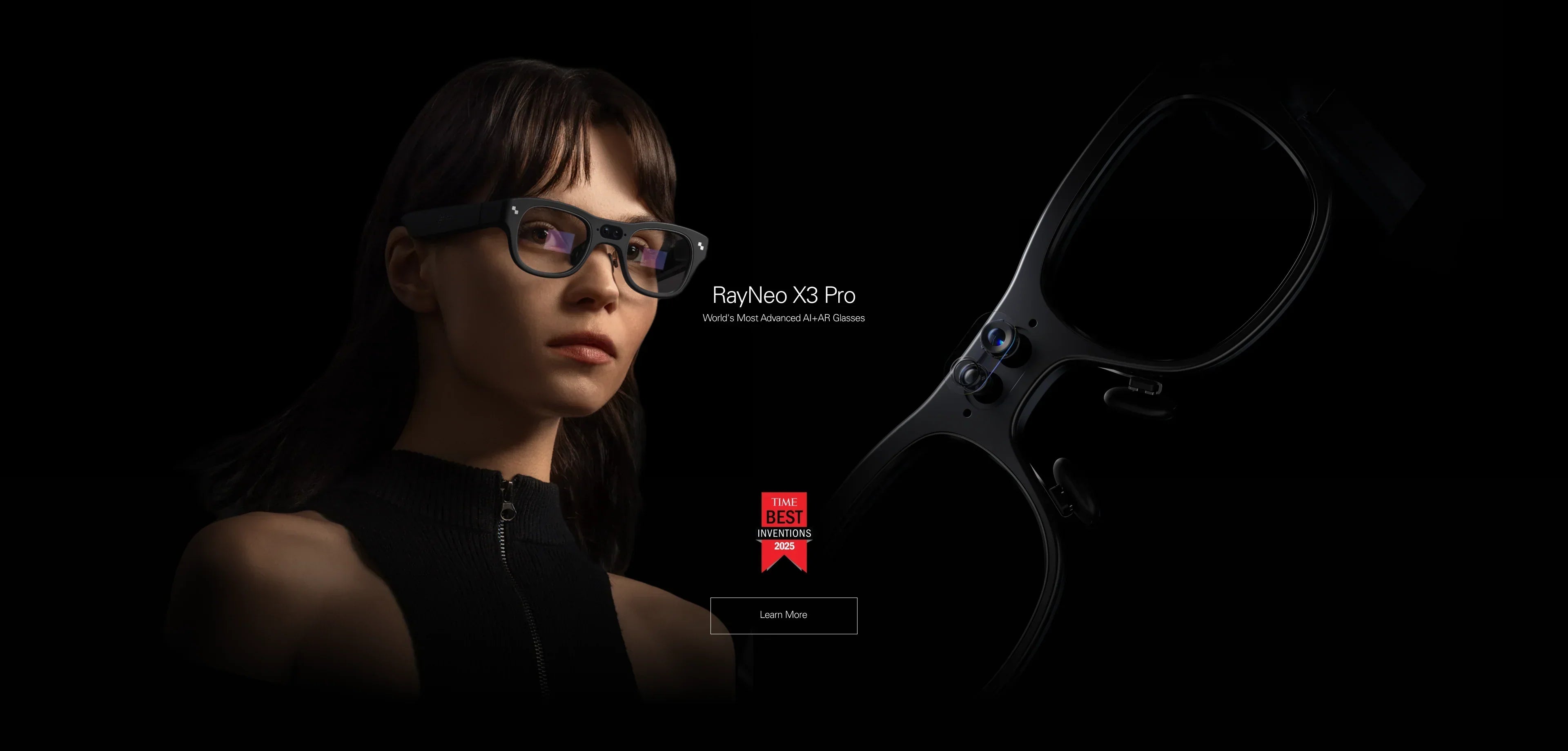
The Standalone Leader: RayNeo X3 Pro. One of the few consumer-ready devices with MicroLED waveguides and onboard Android, making it a true phone replacement for specific tasks.
-
Competitors: Vuzix (Enterprise focused), Brilliant Labs (Open-source/Hackable).
In the "LISTEN" Category
-
The Social Standard: Meta Ray-Ban. Excellent for social capture.
-
Competitors: Solos AirGo (features ChatGPT audio integration), Bose Frames (focus on sport audio).
Act: Your Decision Matrix
Don't buy on impulse. Follow this final flowchart.
Step 1: The "Killer App" Test
-
"I want to play Steam Deck in bed." -> Go to Step 2 (WATCH).
-
"I want to translate a menu in Tokyo." -> Go to Step 3 (DO).
-
"I want to record my hike." -> Go to Step 4 (LISTEN).
Step 2: The "WATCH" Path Action
-
Verify your phone compatibility here.
-
If compatible, compare the RayNeo Air 2s against competitors on ergonomics and sound.
Step 3: The "DO" Path Action
-
Assess if you are an "Early Adopter." Are you okay with occasional software updates and learning a new UI?
-
If yes, research the RayNeo X3 Pro to see if its AI features match your workflow.
Step 4: The "LISTEN" Path Action
-
Go to a physical store (like Best Buy or LensCrafters) and try on the frames. Fit and style are the only metrics that matter here.
Summary
The "Best" glasses are the ones you actually wear.
-
Display Glasses replace your Monitor.
-
AR Glasses replace your Phone Screen.
-
Audio Glasses replace your Headphones.
Choose the replacement you need most.
FAQ
Q: I have prescription glasses. Which path is easiest? A:
-
WATCH: Glasses with built-in diopters (like RayNeo Air 2s) are the easiest—just turn a dial.
-
LISTEN: You can often just swap the lenses at a standard optician.
-
DO: You usually need custom magnetic inserts, which adds a step to the buying process.
Q: Can I use "WATCH" glasses for work? A: Yes! They act as a second monitor for your laptop. Great for privacy on planes—only you can see your spreadsheet.
Q: Can "DO" glasses play movies? A: Technically yes, but the screen is transparent and smaller (FOV). It's like watching a TV in a bright room. "WATCH" glasses are like a dark theater.
Q: Why are "DO" glasses so much more expensive? A: They contain a computer, battery, camera, and expensive MicroLED displays. "WATCH" glasses are just a screen (your phone is the computer), so they are cheaper.
Q: Are these glasses safe for my eyes? A: Generally, yes. Premium Micro-OLED panels emit significantly less blue light than standard LCD screens. RayNeo glasses are TÜV Rheinland certified for eye comfort and low blue light. Furthermore, the virtual image is focused at a distance of ~4 meters, which relaxes the ciliary muscles compared to staring at a phone 6 inches from your face.
Share:
What Are Good AI Smart Glasses? The 2026 Selection Guide
Can You Recommend AR Glasses for Work? The 2026 Productivity Guide