


You’ve invited friends over for the big game, lined up the Little Caesars order, and cleared out the living room. But something still feels off. The setup looks a little basic, and you can already picture people awkwardly clustering around one screen, half into the game, half checking their phones. You don’t want to admit it, but you’re quietly wondering if this Super Bowl party is really going to hit the way you hoped.
We’ve all been there. Most Super Bowl party ideas you see online lean toward generic decorations or overcomplicated food plans that never quite happen. What actually makes a difference are practical upgrades that turn watching the game into a shared experience, where people stay engaged, comfortable, and actually have fun.
The seven upgrades we’ll walk through focus on real hosting problems: making sure everyone can see the game, keeping energy up between plays, handling food without chaos, and building an atmosphere that naturally ramps up as kickoff approaches. Let’s get into it.
Decorate with Team Colors and Banners
The first thing people notice when they walk in is the vibe, and team colors set that instantly. Walking into a room dressed in team colors makes it clear this isn’t just a regular hangout. A few fabric banners or simple wall pieces in team colors do the job without needing design skills or a big budget. It signals that this Super Bowl party was planned, not thrown together.
Carry that look over to the food areas with team colored tablecloths, plates, and napkins. Simple Super Bowl party decorations like balloons in corners or near doorways help fill out the space and tend to show up in photos once people start posting. If you want to add a personal touch, small DIY pieces like cardboard signs or standups usually get noticed and make for decent after-party anecdotes.
Focus on the spots people see the most: the wall behind the TV, the food table, and the entryway. Those areas get the most foot traffic and photos, so a little effort there goes a long way.

Prepare Snacks and Finger Foods
Snacking and football go together, and halftime can empty a kitchen faster than a two-minute drill. That’s why it helps to spread food out instead of crowding everything onto one table. Keep chips and dips in the living room within easy reach, set hot food up in the kitchen on warmers, and put desserts off to the side so people aren’t piling into the same space at once.
Wings, sliders, tacos, burritos, loaded nachos, and pizza are classics for a reason. They’re easy to grab, easy to share, and you don’t need a fork while holding a drink. They also hold up well over a long game.
Have a few dips and sauces ready, and use slow cookers for things like queso or chili so they stay warm. Label food if there are dietary restrictions, and make more than you think you’ll need. People snack steadily all game long, and extra food is better than running out midway through the third quarter.
Set Up Big Screens and Speakers
One screen rarely works once a room fills up. People stuck on the edges end up leaning forward or watching over someone’s shoulder. If you have a second TV or large monitor, set it up across the room so you create two clear viewing zones. Using an HDMI splitter to mirror the same feed keeps everything in sync and avoids awkward delays.
Sound matters just as much. Built-in TV speakers get lost once people start talking and cheering. A soundbar or a Bluetooth speaker placed at ear level helps commentary and crowd noise cut through, no matter where someone’s standing.
Do a full test before anyone shows up. Turn the volume up to game level and flip through inputs. Nothing kills the mood faster than everyone waiting around while you troubleshoot cables five minutes before kickoff.
Organize Trivia and Mini Games
Commercial breaks feel a lot longer when there’s nothing going on. That’s where Super Bowl party games help keep the energy up. Some simple trivia questions about past Super Bowls, player records, or halftime shows give everyone something to jump into even if they’re not big football fans. Small prizes keep it light and competitive.
Prop style predictions are another easy win. Set up a poster board where people guess things like the Gatorade color or how many times the announcers mention a certain player. There’s no real money involved, but it gives everyone a reason to pay attention.
Square pools stick around for a reason. You don’t need football knowledge to win, and checking the board at the end of each quarter keeps people engaged throughout the game instead of drifting off during breaks.
Use Smart Glasses for Live Stats and Highlights
At a big Super Bowl party, not everyone gets the perfect seat. Someone ends up stuck near the kitchen, another is off to the side, and they miss key replays trying to see past heads. When the room fills up, even a good TV setup has limits.
Smart glasses solve that problem by giving people their own personal screen, no matter where they’re sitting or standing. Instead of fighting for couch space, guests can follow the game closely from anywhere in the room, with their own clear view.
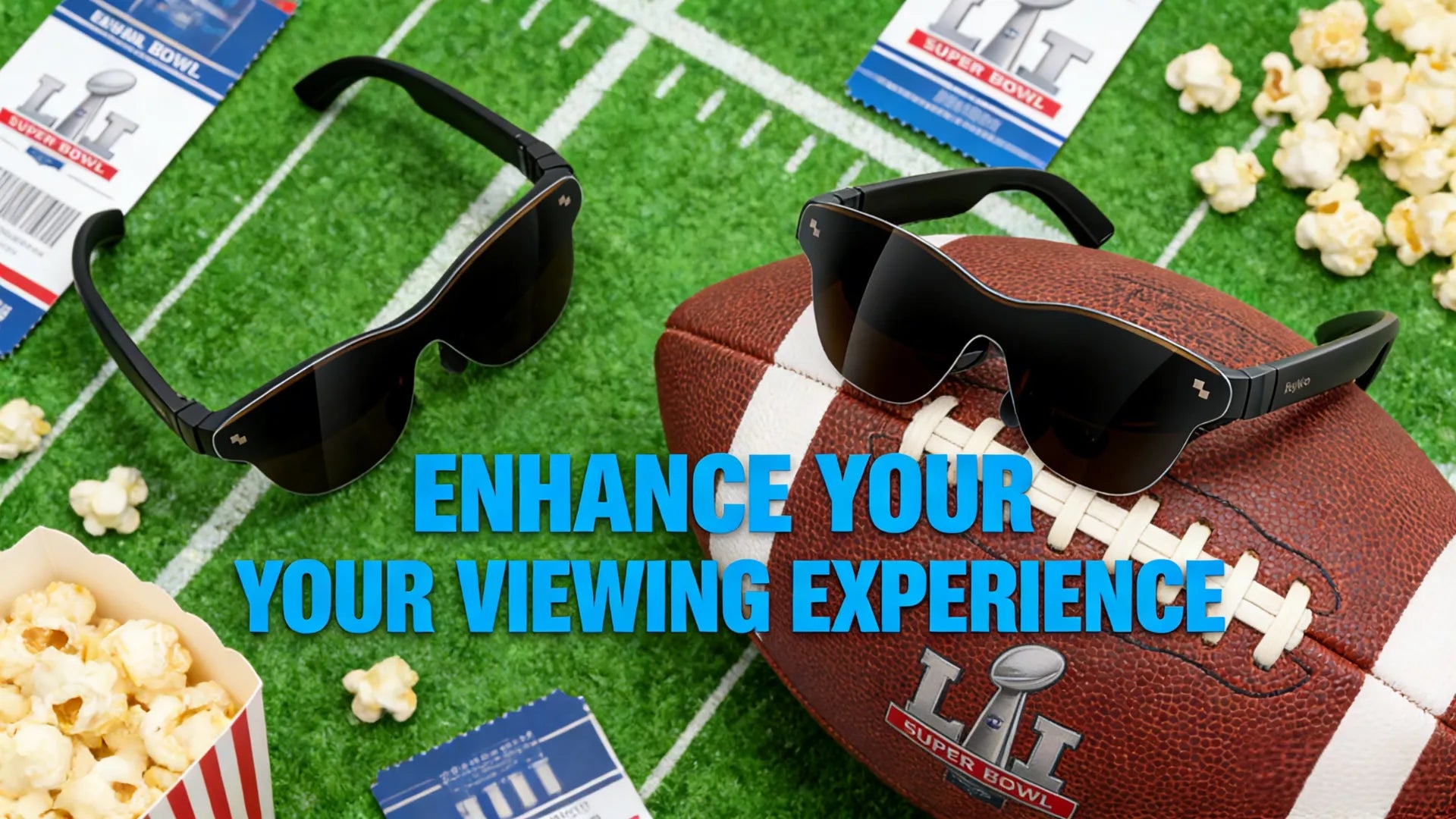
The RayNeo Air 3s Pro AR Glasses do this by projecting a screen that feels like sitting in a premium stadium seat. Plug it in via USB-C, and you’re watching the game on a large virtual display with clarity that holds up even if you’re off in a corner.
Key features that matter on Super Bowl game day:
-
1,200 nit brightness: Bright enough to stay clear even with lights on, windows uncovered, and people moving around the room
-
201 inch virtual screen: Feels closer to a stadium view than a living room TV, especially for replays and big moments
-
120Hz refresh rate: Keeps fast plays smooth so motion doesn’t blur during quick cuts and close action
-
Plug and play setup: Works right away with iOS, Android, laptops, consoles, and streaming boxes using USB-C or an HDMI adapter
-
Multiple viewing modes: Easy to switch depending on whether you’re watching the game, commercials, or the halftime show
-
Built-in surround audio: Commentary stays clear even when the room gets loud
-
Whisper Mode: Audio stays directed to the wearer, so it doesn’t leak out or compete with the main TV sound

This setup changes the flow of a Super Bowl party. Instead of everyone crowding one screen, people can move around and still stay locked into the game.
If you’re trying to keep costs down, the RayNeo Air 3s is a solid option. It delivers nearly the same core experience and often drops to around $199 during sales. You still get the large virtual screen, the smooth 120Hz refresh rate, and the same display tech overall. The main difference compared to the Pro model is brightness. The Air 3s tops out at 650 nits instead of 1,200, which is usually more than enough for a typical indoor Super Bowl party with normal living room lighting.
For guests who want a more immersive setup, RayNeo Air 4 Pro leans harder into audio and visual quality. It’s built for people who want the game to feel bigger and more cinematic, especially during key moments and the halftime show.
RayNeo Air 4 Pro standout features:
-
HDR10 support: Brings out stronger contrast and colour in 4K broadcasts, so big plays and replays look sharper and more dramatic
-
Audio by Bang & Olufsen: Clean, balanced sound that makes crowd noise and commentary feel fuller without getting muddy
-
High frequency PWM dimming: Easier on the eyes during a long stretch of pregame, the game itself, and postgame coverage
-
Balanced weight design: Even weight distribution helps avoid pressure points, so they’re comfortable to wear for hours

As Super Bowl party gear, these smart glasses solve a real problem. Instead of people squinting from bad angles or fighting for couch space, everyone gets a clear, comfortable view of the game from wherever they end up sitting or standing.
Create Photo Zones and Social Sharing Spots
A Super Bowl party is something people like to remember and post about, so it helps to make that easy. Set aside one small area as a photo spot where guests can grab a quick picture without thinking too much about it. Team-themed props like foam fingers, oversized helmets, or a couple of jerseys on hangers are more than enough to get people involved.
You don’t need a fancy backdrop. Team logos, a few decorations, or even a plain sheet work fine as long as the space feels intentional. Lighting makes the biggest difference. A ring light or a well-placed floor lamp keeps faces visible and photos clean instead of dark and grainy.
Keep props out in the open so people can help themselves. A small chalkboard with the score or a short message adds context and makes photos feel tied to the moment. The goal is simple: give guests an easy way to capture the night as it’s happening, without turning it into a production.

Add Smart Lighting and Themed Ambience
Lighting sets the mood, but it shouldn’t distract from the game. Smart bulbs make it easy to tweak brightness and color as the night goes on, whether you’re matching team colors or just adjusting as more people show up.
Keep food areas well lit so people can see what they’re grabbing, and dim the lights near the TV to cut down on glare. LED strips behind the screen add a soft backlight that makes the TV feel bigger without pulling attention away. When halftime or commercial breaks hit and people start moving around, bring the lights back up. Small changes like this help the space feel intentional without getting in the way.
Conclusion
A great Super Bowl party comes down to solving a few real problems: making sure everyone can see the game, keeping food flowing without chaos, filling the downtime, and setting a vibe that matches the moment. When those things work, the rest takes care of itself.
The seven upgrades here focus on exactly that, from better screen setups and smart glasses that fix bad viewing angles, to lighting, food flow, and Super Bowl party games that keep people engaged all four quarters. Skip the overdone, Pinterest-style extras and put your energy into changes that actually improve the experience. In the end, guests remember how the night felt, not whether everything matched perfectly.
FAQ
1. What Time Does the Super Bowl Start?
The 2026 Super Bowl kicks off at 6:30 PM EST on February 8, 2026. Pregame coverage usually starts much earlier, around 2:00 PM EST, for anyone who likes the analysis, interviews, and buildup before kickoff.
2. What Channel Is the Super Bowl On?
Super Bowl LX will air on FOX in 2026. You can also stream it through the FOX Sports app, NFL+, or your cable provider’s streaming app if you’re subscribed. It’s always a good idea to double-check local listings, since availability can vary by market.
3. How Many People Watch the Super Bowl?
In the U.S. alone, recent Super Bowls average 110 to 115 million viewers, making it the most-watched sporting event every year. On top of that, tens of millions more tune in from outside the country.
4. Has There Ever Been a Shutout in the Super Bowl?
No. There’s never been a Super Bowl shutout. The lowest-scoring game was Super Bowl LIII in 2019, when the Patriots beat the Rams 13-3, but both teams still got on the board.
Share:
Do Blue Light Glasses Work for Smart Glasses Users?
11 Valentine’s Day Gifts That Are More Affordable Than They Seem