


Contents
- Fit Check: Diagnosing Your Vision Requirements
- The Physics: Why You Can't Just Wear Them Over Your Glasses
- Category Breakdown: Prescription Solutions by Device Type
- Prerequisite Check: What You Need Before Ordering
- Deep Dive: How to Set Up RayNeo Glasses for Vision
- Comparison Matrix: Vision Correction Support
- Limitations & Realistic Expectations
- Act: The Decision Framework
- FAQ
For the 60% of the global population who wear corrective eyewear, the excitement of Augmented Reality is often dampened by a single, nagging question: "Will I actually be able to see the screen?"
You might have tried a VR headset that squeezed your frames against your temples, or looked into a viewfinder only to see a blur. The fear is real: investing hundreds of dollars in a device only to find out it's incompatible with your eyes.
The Short Answer: Yes, smart glasses support prescription lenses, but the method varies drastically by category.
-
If you have mild myopia (nearsightedness): Many display glasses (like the RayNeo Air 2s) now feature built-in diopter adjustment dials, allowing you to "tune" the focus without buying extra lenses.
-
If you have strong prescriptions or astigmatism: You will almost certainly need Magnetic Lens Inserts. These are custom-made lenses that snap onto the smart glasses. Wearing your daily frames under smart glasses is rarely a viable long-term solution.
-
If you want audio glasses: You can often replace the actual glass lenses with prescription ones at an optician, just like regular frames.
In this guide, we will break down the optics of AR, explain why "stacking" glasses is a bad idea, and help you find the right solution for your specific vision profile.
Fit Check: Diagnosing Your Vision Requirements

Before looking at device specs, pull out your latest prescription paper from your optometrist. Your numbers define your hardware options.
Profile A: The "Mild Myopia" User
Your Stats: Spherical (SPH) is between 0.00 and -6.00. Cylinder (CYL / Astigmatism) is 0.00.
-
The Situation: You need glasses for driving or TV, but your vision is relatively standard.
-
Your Best Bet: Adjustable Diopter Glasses. Devices like the RayNeo Air 2s allow you to turn a knob on each eye to focus the image perfectly. No extra accessories needed.
Profile B: The "Complex Vision" User
Your Stats: You have high myopia (-6.00+), significant astigmatism (CYL), or presbyopia (need reading glasses).
-
The Situation: Built-in dials won't correct astigmatism. Without correction, the AR text will look stretched or double.
-
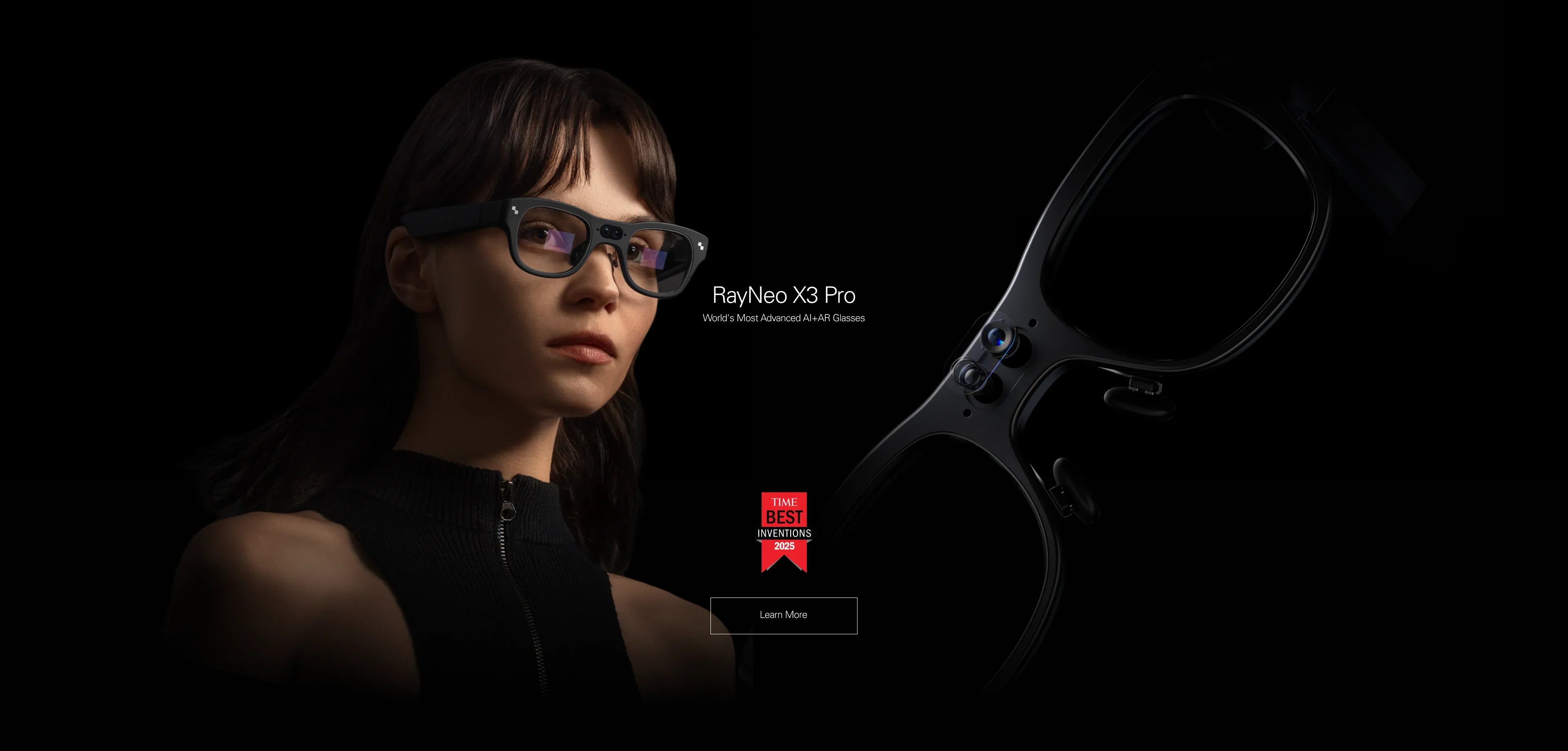
Your Best Bet: Magnetic Inserts. You need a device (like the RayNeo X3 Pro) that supports snap-on prescription lenses. You will order these from a partner lab using your exact prescription.
Profile C: The "Contact Lens" User
The Situation: You wear contacts daily.
-
The Reality: You are the easiest customer. You can use any smart glasses straight out of the box with 0.00 settings. However, be warned that AR displays can sometimes dry out eyes faster (due to reduced blink rate), so keep drops handy.
The Physics: Why You Can't Just Wear Them Over Your Glasses
Many users ask: "Why can't I just wear the smart glasses on top of my Warby Parkers?"
While technically possible with some bulky VR headsets, it is a terrible idea for lightweight AR glasses for three reasons:
-
The Scratch Risk: The lenses of smart glasses (especially Waveguides) are coated with expensive nano-materials. If your glass lenses rub against the AR lenses, you will permanently scratch the display, ruining a $1,000 device.
-
The Eye Relief (FOV Loss): AR displays have a specific "Eye Relief" distance. Pushing the device further away from your face (to make room for your frames) drastically reduces the Field of View. You will see a tiny screen through a tunnel.
-
The Pressure: Two sets of temple arms fighting for space behind your ears creates pressure points that become painful within 20 minutes.
Conclusion: Don't do it. Plan for inserts or built-in adjustment.
Category Breakdown: Prescription Solutions by Device Type
The market handles vision correction in three distinct ways.
Category 1: Display Glasses (The "Built-In" Approach)
-
Example: RayNeo Air 2s.
-
The Mechanism: Independent Diopter Dials on the top of the frame.
-
Pros: Zero Extra Cost. If your prescription changes, you just re-dial the knob. Great for sharing the device with family members.
-
Cons: Does not correct astigmatism. If you have a cylinder value, the image might still be slightly warped.
-
Verdict: The best value for standard myopic users.
Category 2: Standalone AR (The "Insert" Approach)
-
Example: RayNeo X3 Pro.
-
The Mechanism: A magnetic frame sits behind the Waveguide display. You clip custom lenses onto this frame.
-
Pros: Precision. It corrects for everything: high myopia, astigmatism, and prisms. It provides the sharpest possible image.
-
Cons: Extra Cost & Wait. You have to pay ($50-$100) for the lenses and wait for shipping.
-
Verdict: Mandatory for power users who need crystal-clear text reading for navigation or translation.
Category 3: Audio Glasses (The "Replacement" Approach)
-
Example: Meta Ray-Ban.
-
The Mechanism: The lenses are the prescription. You pop out the stock sunglass lenses and pop in RX lenses.
-
Pros: Seamless. It's just one pair of glasses.
-
Cons: Commitment. You can't share them. If you want to wear contacts that day, you can't wear these glasses (unless you swap lenses back, which is tedious).
-
Verdict: Great for all-day wear if you treat them as your primary eyewear.
Prerequisite Check: What You Need Before Ordering
Buying prescription AR glasses is more complex than buying a T-shirt. Ensure you have these ready to avoid shipping delays or return hassles.
-
A "Non-Expired" Prescription: Most optical labs require a prescription less than 2 years old.
-
Your PD (Pupillary Distance): This is the distance between your pupils in millimeters.
-
Why it matters: If the optical center of the lens doesn't match your PD, you will get headaches and eye strain.
-
Tip: If your doctor didn't write it down, you can measure it with a free phone app, but a doctor's measurement is best for AR.
-
-
The "Add" Number (For Progressives): If you need bifocals/reading glasses, you need the "ADD" value. However, note that Single Vision lenses are usually recommended for AR, as the virtual screen sits at a fixed focal distance (usually 4 meters).
Deep Dive: How to Set Up RayNeo Glasses for Vision

Let's look at the workflow for setting up a device like the RayNeo Air 2s or X3 Pro.
Scenario A: Tuning the RayNeo Air 2s
-
Put them on. The image will likely be blurry.
-
Close one eye. Reach up to the dial above the open eye.
-
Rotate slowly. Unlike binoculars, these dials are sensitive. Move millimeter by millimeter until the text becomes razor sharp.
-
Repeat for the other eye.
-
Lock it in. Once set, the friction mechanism keeps them in place. You rarely need to adjust again unless you bump them hard.
Scenario B: Installing Inserts on RayNeo X3 Pro
-
Order the Kit: When buying the X3 Pro, you will see an option for "Prescription Inserts" or a link to a partner lab (like Lensology).
-
Snap on: The X3 Pro has a dedicated magnetic mounting point on the nose bridge chassis.
-
Click: The inserts snap into place behind the electronic waveguide but in front of your eye.
-
Calibration: Because the lenses sit closer to your eye than the display, the Field of View remains maximized.
Comparison Matrix: Vision Correction Support
Limitations & Realistic Expectations
Even with perfect prescription setup, physics imposes some limits.
1. The Vergence-Accommodation Conflict (VAC)
In the real world, your eyes focus (accommodate) and rotate (verge) to the same distance. In AR/VR, your eyes focus on a screen at a fixed distance (e.g., 4 meters), but the 3D content might look like it's 1 meter away.
-
The Feeling: This mismatch can cause eye strain after 2+ hours, regardless of your prescription.
-
The Fix: Take breaks. Follow the 20-20-20 rule (every 20 mins, look at something 20 feet away for 20 seconds).
2. Edge Clarity vs. Prescription
High prescriptions (-6.00 and up) require thicker lenses. In curved smart glasses, high-index lenses can introduce slight chromatic aberration (color fringing) at the extreme edges of your vision.
-
The Fix: Pay extra for "High Index" (1.67 or 1.74) lens materials when ordering inserts. They are thinner and optically clearer.
Act: The Decision Framework
Don't let bad eyesight stop you from enjoying the future. Just choose the right path.
Path 1: You have simple nearsightedness (0 to -6.00).
-
Best Choice: RayNeo Air 2s. The built-in dials save you money and hassle. It is the most friction-free experience.
-
Action: Check if your prescription falls within the range on the specs page.
Path 2: You have astigmatism or high prescription.
-
Best Choice: RayNeo X3 Pro (or Air 2s with inserts). You need the precision of custom glass. Do not rely on dials; they won't correct the "football shape" distortion of astigmatism.
-
Action: Look for the "Bundle" offers that might include a discount on lens inserts.
Path 3: You want the absolute best audio/visuals.
-
Coming Soon: The RayNeo Air 4 Pro (Jan 2026) will continue the tradition of supporting magnetic inserts, ensuring that even audiophiles with bad eyesight get the full B&O and HDR10 experience.
-
Action: Sign up for Air 4 Pro availability.
FAQ
Q: Can I use progressive lenses with smart glasses? A: Technically yes, but Single Vision (distance focus) is highly recommended. Since the virtual screen is projected at a fixed distance (usually 4 meters), you don't need the "reading" part of a progressive lens to see it. Using single vision lenses eliminates the "swim" effect and makes the entire screen sharp.
Q: Does insurance cover smart glasses lenses? A: Sometimes. The frames (electronics) are rarely covered, but many vision insurance plans (like VSP or EyeMed) will reimburse you for the prescription lens inserts as an "out-of-network" purchase. Check with your provider.
Q: What if I have LASIK? A: If you have had LASIK and have 20/20 vision, you use the glasses just like a contact lens wearer. Set dials to 0.00 or use the standard nose pads without inserts.
Q: Where do I buy the inserts? A: RayNeo partners with specific optical labs (often linked on the product page). Alternatively, third-party sites like HonsVR or VR Optician often manufacture custom magnetic lenses for RayNeo models.
Share:
What Are the Best Smart Glasses Right Now? The Ultimate 2026 Guide
Are There Smart Glasses With a Display That Support Prescription Lenses? (2026 Guide)