


Contents
- 1. The Problem: Why You Can't Just "Double Stack"
- 2. Fit Check: Which Correction Method Do You Need?
- 3. Deep Dive: RayNeo X3 Pro (AI + Prescription)
- 4. Deep Dive: RayNeo Air 3s Pro (Cinema + Prescription)
- 5. Step-by-Step Setup: How to Order & Install
- 6. Market Comparison: Which Brand Handles Vision Best?
- 7. Realistic Limitations & Transparency
- 8. FAQ: Expert Advice for Glasses Wearers
- 9. Next Steps: Complete Your Vision Setup
If you wear prescription glasses, the idea of putting another pair of glasses on top of them sounds like a nightmare. It’s uncomfortable, it looks awkward, and the lenses scratch each other.
So, to answer your question: Yes, the best smart glasses with displays absolutely support prescription lenses, but not by fitting over your old frames.
Instead, the industry has adopted a much smarter solution: Magnetic Prescription Inserts.
Here is the quick verdict for 2026:
-
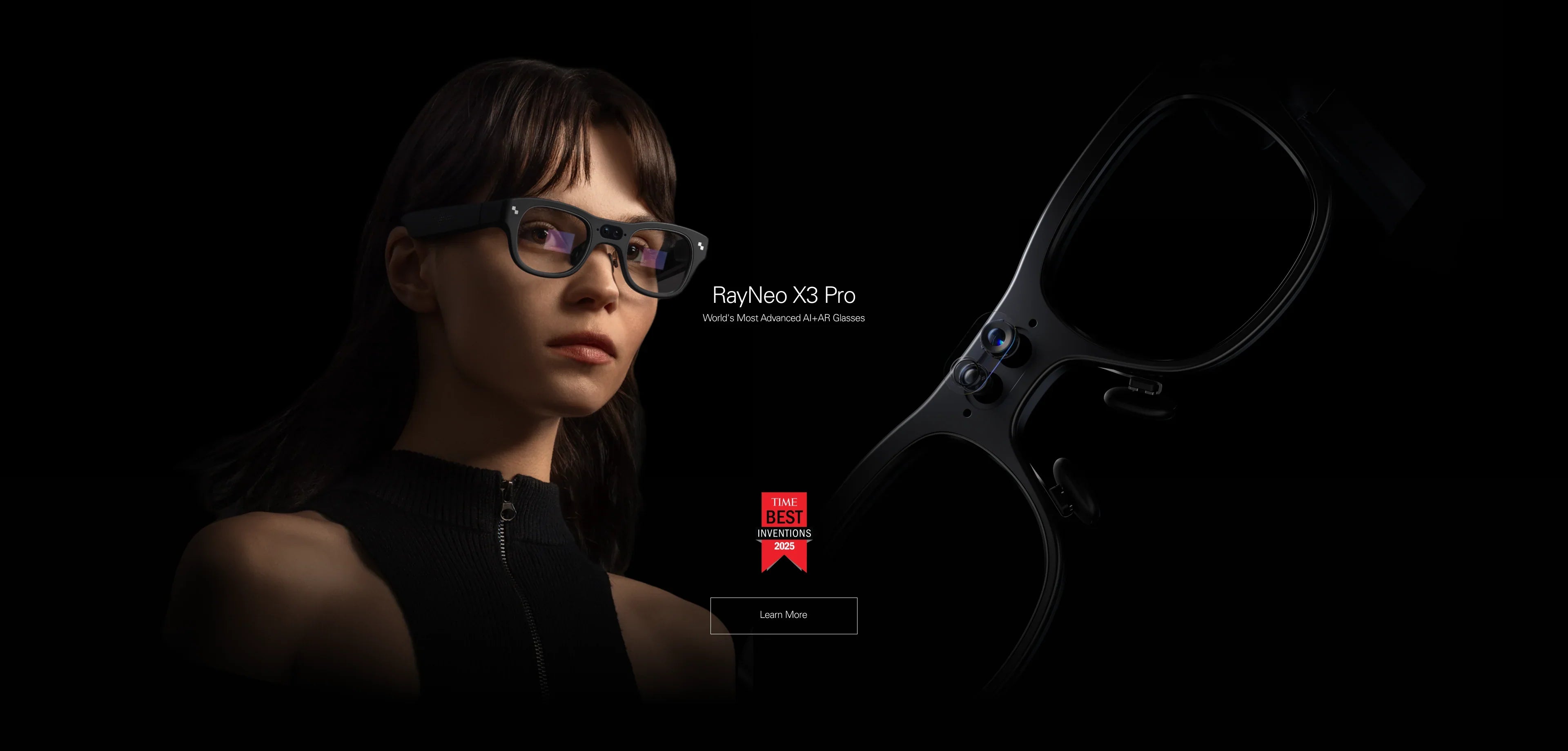
Best AI Glass for Prescription Users (RayNeo X3 Pro):
Features a dedicated mounting point for magnetic lenses behind the waveguide display. This ensures that the AI-generated text overlays remain razor-sharp and aligned with your vision. -
Best Display Glass for Prescription Users (RayNeo Air 3s Pro):
Includes a template for custom magnetic inserts. This is superior to built-in "diopter dials" because it supports astigmatism and high prescriptions, ensuring your 201-inch movie screen is perfectly focused.
This comprehensive guide (approx. 20-minute read) will explain why you shouldn't wear smart glasses over regular glasses, compare "Inserts" vs. "Dials," and walk you through the setup process.
1. The Problem: Why You Can't Just "Double Stack"

Before buying, you need to understand why smart glasses are different from VR headsets. VR headsets are huge; they have room for your glasses inside. Smart glasses are slim.
The "Physics" of Blur
Smart glasses like the RayNeo X3 Pro and Air 3s Pro use precision optics to project an image at a specific focal distance (usually 4 meters away). If you wear them over your daily glasses:
-
Distance Gap: Your glasses push the smart glasses further away from your eyes. This shrinks the "Eye Box," causing the corners of the digital screen to disappear or become blurry.
-
Scratch Risk: The hard plastic of the smart glasses' optics will rub against your expensive prescription coating, ruining both pairs in days.
-
Nose Pain: The combined weight of two frames on one nose bridge is unbearable after 20 minutes.
The Solution: The Magnetic Insert Ecosystem
Top-tier manufacturers now include a "Lens Frame" in the box. You take this frame to an optician (or order online), get custom lenses installed, and then magnetically snap them onto the smart glasses. It becomes a single, unified device tailored to your eyes.
2. Fit Check: Which Correction Method Do You Need?

Not all prescription solutions are the same. In 2026, there are two main approaches: Custom Inserts vs. Adjustable Dials.
Method A: Custom Magnetic Inserts (RayNeo Approach)
Used by: RayNeo X3 Pro, RayNeo Air 3s Pro, XREAL Air 2.
-
Pros:
-
Supports Astigmatism: This is critical. 1 in 3 people have astigmatism. Dials cannot fix this; inserts can.
-
High Range: Can handle strong prescriptions (e.g., -8.00 or +4.00).
-
Clarity: Optical glass quality is higher than plastic adjustable lenses.
-
-
Cons: You have to pay extra for the lenses (usually $30-$60) and wait for shipping.
Method B: Built-in Diopter Dials (Rokid/VITURE Approach)
Used by: Rokid Max, VITURE Pro.
-
Pros: Convenient. You spin a knob above each eye to focus the screen. Great for sharing the device with others.
-
Cons:
-
No Astigmatism Support: If you have astigmatism, the image will still be ghostly/blurry even if you adjust the dial.
-
Limited Range: Usually only goes from 0.00 to -6.00. If you are -6.50, you are out of luck.
-
Edge Softness: Moving lenses can introduce optical distortion at the edges.
-
Verdict: If you want the sharpest possible image (especially for reading text on the X3 Pro or gaming on Air 3s Pro), Magnetic Inserts are the professional choice. Dials are a convenience compromise.
3. Deep Dive: RayNeo X3 Pro (AI + Prescription)
Why is prescription support so important for the X3 Pro?
Reading the World
The X3 Pro is an AI device. It displays text—translations, emails, notifications—floating in the real world. If your vision is blurry, you cannot read the AI's answers.
Because the X3 Pro uses Waveguide technology, the display is transparent. The magnetic inserts attach behind the waveguide (closest to your eye). This means:
-
You look through the prescription lens first.
-
Then you look through the clear waveguide.
-
Finally, you see the real world.
This optical stack ensures that both the digital text AND the physical world are perfectly in focus. It effectively replaces your daily glasses while you are wearing it.
4. Deep Dive: RayNeo Air 3s Pro (Cinema + Prescription)
For the Air 3s Pro, the goal is immersion. You are watching a 201-inch screen.
The "Sweet Spot" Alignment
The Air 3s Pro uses Birdbath optics. The magnetic inserts attach directly onto the nose piece bridge. This ensures the corrective lens stays perfectly parallel to the smart glass lens.
Why this matters for Gaming: In a game like Cyberpunk 2077, HUD elements (health, ammo) are in the extreme corners. If you wore regular glasses, the frame thickness would block these corners. With frameless magnetic inserts, your field of view is maximized, so you see the whole UI clearly.
5. Step-by-Step Setup: How to Order & Install
Many users are intimidated by the process. Don't be. It is easier than buying regular glasses.
Step 1: Get Your Prescription
You need a valid, unexpired prescription from your optometrist. Make sure it includes your PD (Pupillary Distance). This number is crucial for centering the lenses.
Step 2: Order the Lenses
You have two options:
-
The DIY Route: RayNeo includes a blank plastic template in the box. You can physically take this to a local optical shop and ask them to cut lenses for it. (Warning: Some shops may refuse "rimless" mounts).
-
The Online Route (Recommended): Use RayNeo's official partner services (like Lensology or HonsVR). You simply upload a photo of your prescription script. They ship the finished magnetic lenses to your door in a few days.
Step 3: Installation
-
Identify Left/Right: The inserts are shaped differently for each eye.
-
Locate Magnets: On the X3 Pro, the magnets are on the top of the nose bridge. On the Air 3s Pro, they are on the nose pad assembly.
-
Snap: Bring the insert close. The magnets will pull it into perfect alignment with a satisfying "click."
-
Wiggle Test: Gently shake the glasses to ensure the inserts are secure. They should not rattle.
6. Market Comparison: Which Brand Handles Vision Best?
Let's compare the user experience for spectacle wearers.
7. Realistic Limitations & Transparency
While inserts are great, there are some logistical realities you should know.
1. The Cost Factor
The Reality: Smart glasses are expensive ($300-$800). Prescription inserts add another $50-$100 to the total cost. You must budget for this.
2. Swapping Users
The Reality: If you have inserts installed, your friend with perfect vision cannot use your glasses effectively.
The Fix: The inserts are magnetic. You can pop them off in 1 second to hand the glasses to a friend. Just make sure you have a microfiber cloth handy to wipe off fingerprints.
3. Progressive Lenses
The Reality: You generally do not need progressive (bifocal) lenses for smart glasses.
The Reason: The virtual image is projected at a fixed focal distance (usually 4 meters). You only need your "Distance" prescription. Reading segments (ADD power) are usually unnecessary because the image isn't physically close to your face—it just looks big.
8. FAQ: Expert Advice for Glasses Wearers
Q: I have very high myopia (-8.00). Will inserts work?
A: Yes. However, high-index lenses (1.67 or 1.74) are recommended to keep the glass thin. If the lens is too thick, it might touch your eyelashes or the smart glass display. Official partners like Lensology know these thickness tolerances perfectly.
Q: Do I need a prescription if I only wear reading glasses?
A: Usually, no. The virtual screen is optically focused at "infinity" or ~4 meters. If you can see clearly at 4 meters (driving/watching TV) without glasses, you likely don't need inserts for RayNeo glasses, even if you need readers for a book.
Q: Can I just wear contact lenses instead?
A: Absolutely. Contact lenses are the easiest solution. They eliminate the need for inserts entirely and provide the widest field of view.
9. Next Steps: Complete Your Vision Setup
Don't let poor vision stop you from experiencing the future. Here is your checklist:
Action 1: Choose Your Device
-
For AI & Travel: Shop RayNeo X3 Pro
-
For Gaming & Movies: Shop RayNeo Air 3s Pro
Action 2: Get Your Lenses
Do not wait until the glasses arrive. Order your inserts now so everything is ready.
→ Order Magnetic Inserts (Official Partner)
Action 3: Verify Compatibility
Make sure your phone works with the glasses first.
Share:
What Are the Best Smart Glasses Right Now? The Ultimate 2026 Guide
Are There Smart Glasses That Work with ChatGPT? The 2026 AI Guide