


Contents
- 1. The Landscape: Subtitles vs. Voice-Over
- 2. Fit Check: Is Translation Right for Your Trip?
- 3. Step-by-Step Setup: Building Your Babel Fish
- 4. Market Comparison: Translation Capabilities
- 5. Deep Dive: Why X3 Pro is the "Translator of Choice"
- 6. Realistic Limitations & Transparency
- 7. FAQ: Expert Advice
- 8. Next Steps: Break the Language Barrier
If you are asking "are there smart glasses that work as a translator," the answer is a resounding yes. But the experience varies wildly depending on how the translation is delivered.
Do you want to hear a robotic voice whispering in your ear (like a UN interpreter), or do you want to see movie-style subtitles floating in the air next to the person's face? In 2026, the market offers both.
Here is the definitive verdict based on your needs:
-
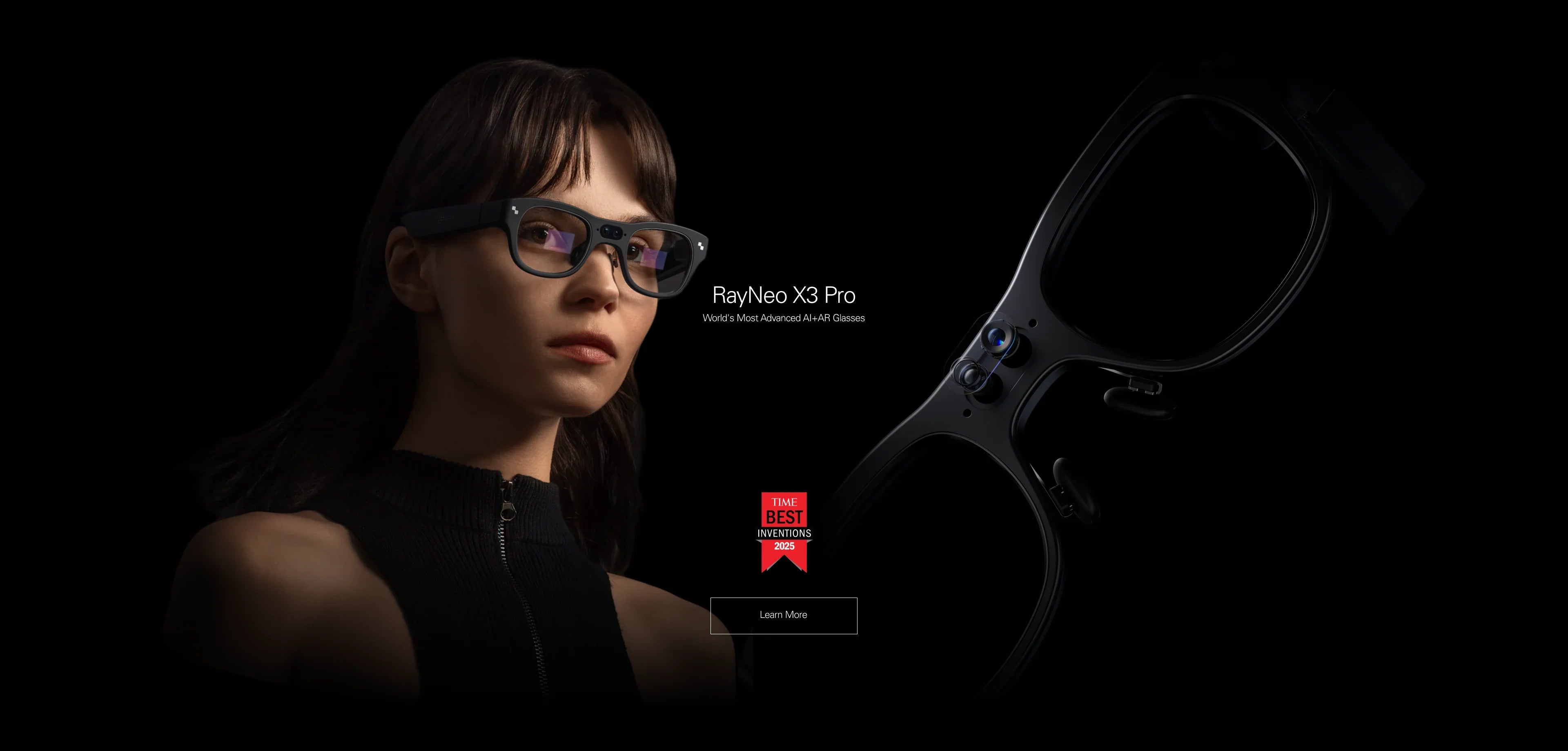
The Best Visual Translator (Winner): RayNeo X3 Pro.
This device uses AR Subtitles. It listens to the conversation and projects text onto a transparent display. It is the best choice for face-to-face meetings, noisy environments, and reading menus. -
The Best Audio Translator (Runner Up): Meta Ray-Ban.
This device uses Voice-Over. It listens and speaks the translation to you. It is good for casual listening but can be cognitively overwhelming in complex discussions.
This comprehensive guide (approx. 20-minute read) will explain the "Subtitle vs. Dubbing" debate, check your hardware compatibility, and walk you through using AI translation in the real world.
1. The Landscape: Subtitles vs. Voice-Over

Before you buy, you must understand the cognitive difference between seeing a translation and hearing one. This "Interface of Translation" determines whether the interaction feels natural or forced.
Type A: The "Visual Subtitle" Experience (RayNeo X3 Pro)
Technology: Waveguide Display + Directional Mics + LLM AI.
-
How it works: You look at your business partner. As they speak Japanese, English text floats in a bubble next to them. You read along in real-time.
-
The Psychology: Humans process visual information faster than audio. Reading subtitles allows you to keep up with the conversation flow without interrupting.
-
The "Noisy Room" Advantage: In a crowded restaurant, audio translation is hard to hear. Visual subtitles cut through the noise because they are projected directly into your eye.
Type B: The "Audio Dubbing" Experience (Audio Glasses)
Technology: Open-Ear Speakers + Mics.
-
How it works: The glasses listen, pause, and then speak the translation into your ear.
-
The Psychology: This creates the "Cocktail Party Effect" problem. You hear the foreign speaker's voice AND the translator's voice simultaneously. Your brain has to work double-time to filter them, leading to fatigue.
-
The Limitation: If you miss a sentence, it's gone. With visual subtitles (X3 Pro), the text lingers for a few seconds, allowing you to verify numbers or names.
2. Fit Check: Is Translation Right for Your Trip?
Let's validate if your specific use case benefits from smart glass translation.
Scenario 1: The Business Negotiation
-
The Need: Accuracy and Professionalism. You cannot afford to misunderstand a contract term or a number ("Did he say 15,000 or 50,000?").
-
The Verdict: RayNeo X3 Pro (Essential). Seeing the numbers written out visually prevents costly errors. The silent nature of AR subtitles means you aren't constantly interrupting the flow with "Sorry, say that again?"
Scenario 2: The Solo Backpacker
-
The Need: Reading signs, menus, and train schedules in a script you don't read (e.g., Cyrillic or Kanji).
-
The Verdict: RayNeo X3 Pro (Essential). Audio glasses cannot translate a menu efficiently. You would have to ask the AI to "read this whole page." The X3 Pro uses its camera to recognize text and overlay the translation directly on the physical object (Visual Translation).
Scenario 3: The Casual Tourist
-
The Need: Asking "Where is the bathroom?" or "How much is this?"
-
The Verdict: Either works. For simple, short phrases, audio translation is sufficient. The Meta Ray-Ban is lighter (~49g) and might be more comfortable for all-day wear if you don't need complex interaction.
3. Step-by-Step Setup: Building Your Babel Fish
Translation is data-heavy. It requires a robust connection to cloud AI engines (like Microsoft Azure or Google Gemini). Here is the setup for the RayNeo X3 Pro.
Phase 1: The Data Pipeline
Unlike basic offline apps, high-accuracy neural translation happens in the cloud.
-
Pairing: Connect the X3 Pro to the RayNeo App on your phone.
-
Hotspot Link: Crucial. Connect the glasses to your phone's Personal Hotspot or a portable Wi-Fi unit. Translation latency is directly tied to network speed (4G/5G).
-
Offline Fallback: Download "Offline Language Packs" (e.g., English-Chinese) in the app settings for emergency use when signal is lost. Note that offline translation is less accurate than cloud AI.
Phase 2: Mode Selection
The X3 Pro offers distinct translation modes for different social contexts.
-
Face-to-Face Mode: Optimizes the microphone beamforming to target the person standing directly in front of you (1-2 meters). Best for 1-on-1 conversations.
-
Listening Mode: Optimizes for a speaker at a distance (e.g., a lecture or tour guide). It provides a continuous stream of subtitles without waiting for pauses.
Phase 3: The "Social Contract"
Using a translator changes the dynamic of a conversation.
Tip: Tell the other person, "I am using these glasses to translate what you say so I can understand better." This builds trust and explains why you might be staring intently at them (you are reading their subtitles!).
4. Market Comparison: Translation Capabilities
How do the top contenders stack up in the language arena?
5. Deep Dive: Why X3 Pro is the "Translator of Choice"

We specifically engineered the X3 Pro to solve the friction points of previous translation tools.
1. The "Verification" Layer
Trust is hard to build with AI. Sometimes it hallucinates or mishears.
The X3 Pro Feature: It displays the Transcription (what it heard in the original language) above the Translation. If the transcription is wrong (e.g., "Night" vs "Knight"), you know immediately why the translation is weird. Audio-only devices don't give you this verification step.
2. Multi-Language Support
The X3 Pro supports 14+ major languages (Chinese, English, French, German, Japanese, Korean, Spanish, Italian, etc.) with dialect recognition. The list is constantly updated via OTA software updates, ensuring your glasses get "smarter" over time.
3. Meeting Records
For business users, the "Meeting Record" feature saves the text transcript of the translation to your phone. You don't need to take notes; you can just search the transcript later for "Q3 Revenue" or "Deadline."
6. Realistic Limitations & Transparency
AI translation is a miracle, but it's not perfect. Manage your expectations.
Latency (The "Lag")
The Reality: Speech takes time to travel to the cloud, be processed, and return as text. Expect a 1 to 3-second delay.
The Advice: It works best for turn-taking conversations. It struggles with rapid-fire arguments or interruptions. Learn to nod slowly during the pause.
Slang & Nuance
The Reality: AI struggles with idioms ("It's raining cats and dogs") or heavy regional accents.
The Fix: Use simple, clear language when speaking back. The visual transcription helps you spot errors quickly.
Battery Drain
The Reality: Real-time translation is one of the most power-hungry features (Mic + Wi-Fi + Display + AI).
The Limit: Expect about 2.5 to 3 hours of continuous translation. Bring a magnetic battery bank for a full day of meetings.
7. FAQ: Expert Advice
Q: Does it work offline?
A: Yes, but with limits. Basic travel phrases and menu translation work offline if you download the language packs. However, for nuanced conversation, cloud connectivity is required for accuracy.
Q: Can I use RayNeo Air 3s Pro for translation?
A: Not natively. The Air 3s Pro is a monitor. You could open Google Translate on your phone and mirror the screen to the glasses, but it lacks the head-mounted microphones and AR overlay integration. It's a clumsy workaround compared to the X3 Pro.
Q: Is it rude to wear these in a meeting?
A: It depends on how you introduce it. If you explain, "This device helps me understand you better," it is usually seen as a sign of respect and effort. The X3 Pro's transparent lenses ensure your eyes are always visible, maintaining human connection.
8. Next Steps: Break the Language Barrier
Ready to travel without fear? Choose your translation tool.
Action 1: For the "Visual" Communicator
If you want to read subtitles and menus instantly:
→ Shop RayNeo X3 Pro (Best AR Translator)
Action 2: For the "Document" Reader
If you primarily need to translate PDFs and contracts in high definition:
→ Shop RayNeo Air 3s Pro (Best Screen for Reading)
Action 3: Prepare Your Trip
Check if your phone supports the necessary tethering features.
Share:
What Are the Best Smart Glasses Right Now? The Ultimate 2026 Guide
Are There Smart Glasses With a Display That Support Prescription Lenses? (2026 Guide)